For students
Study help from your readings.
Ask for an explanation, a summary or practice questions, and the answer draws on the readings in your course workspace. Independent learners can run the whole system on their own computer.
Runs with
- Ollama
- LM Studio
- LocalAI
- KoboldCPP
- Docker
- Kubernetes
- Helm
- OpenShift
What it gives you
Study with the material you were assigned.
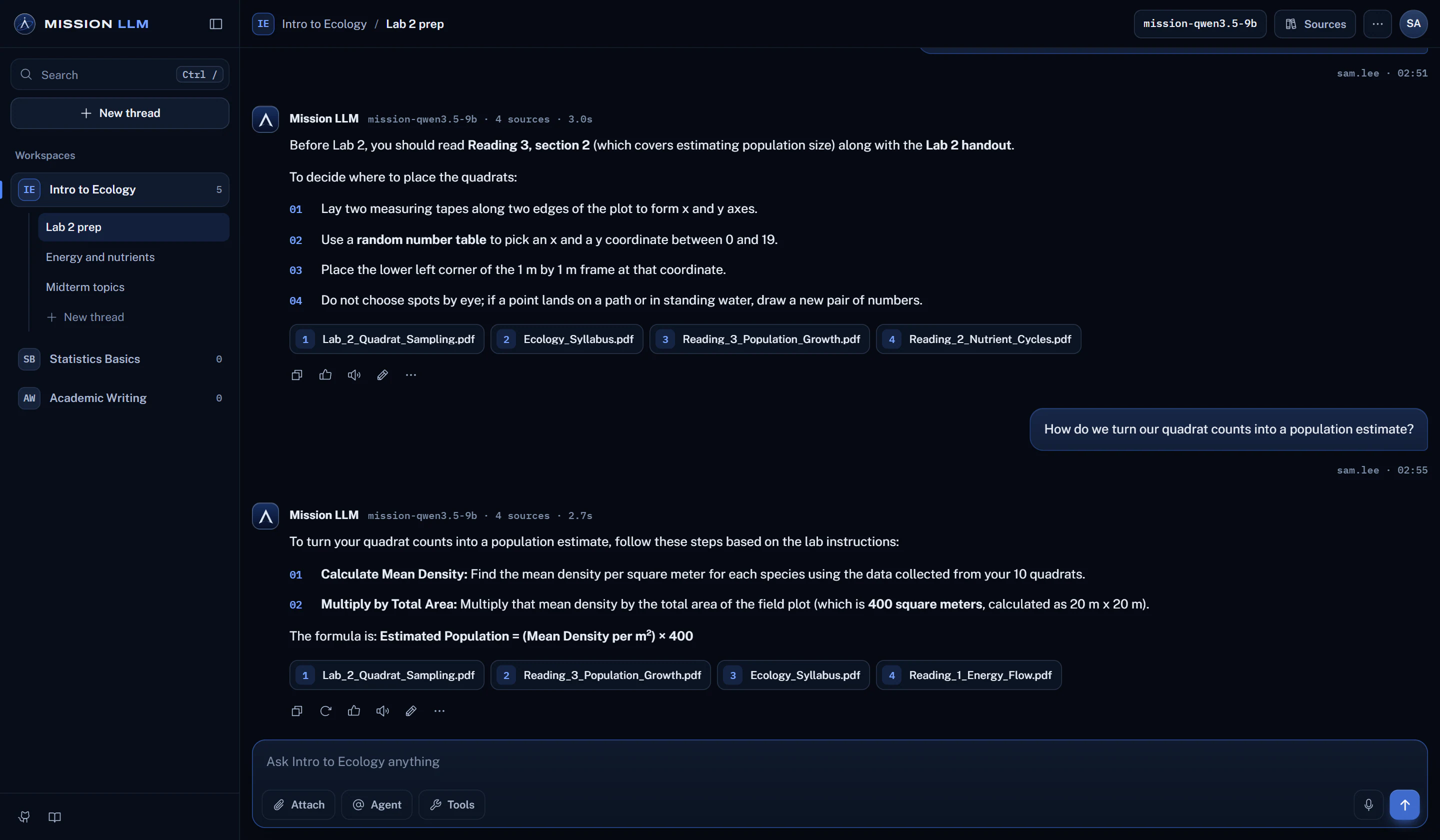
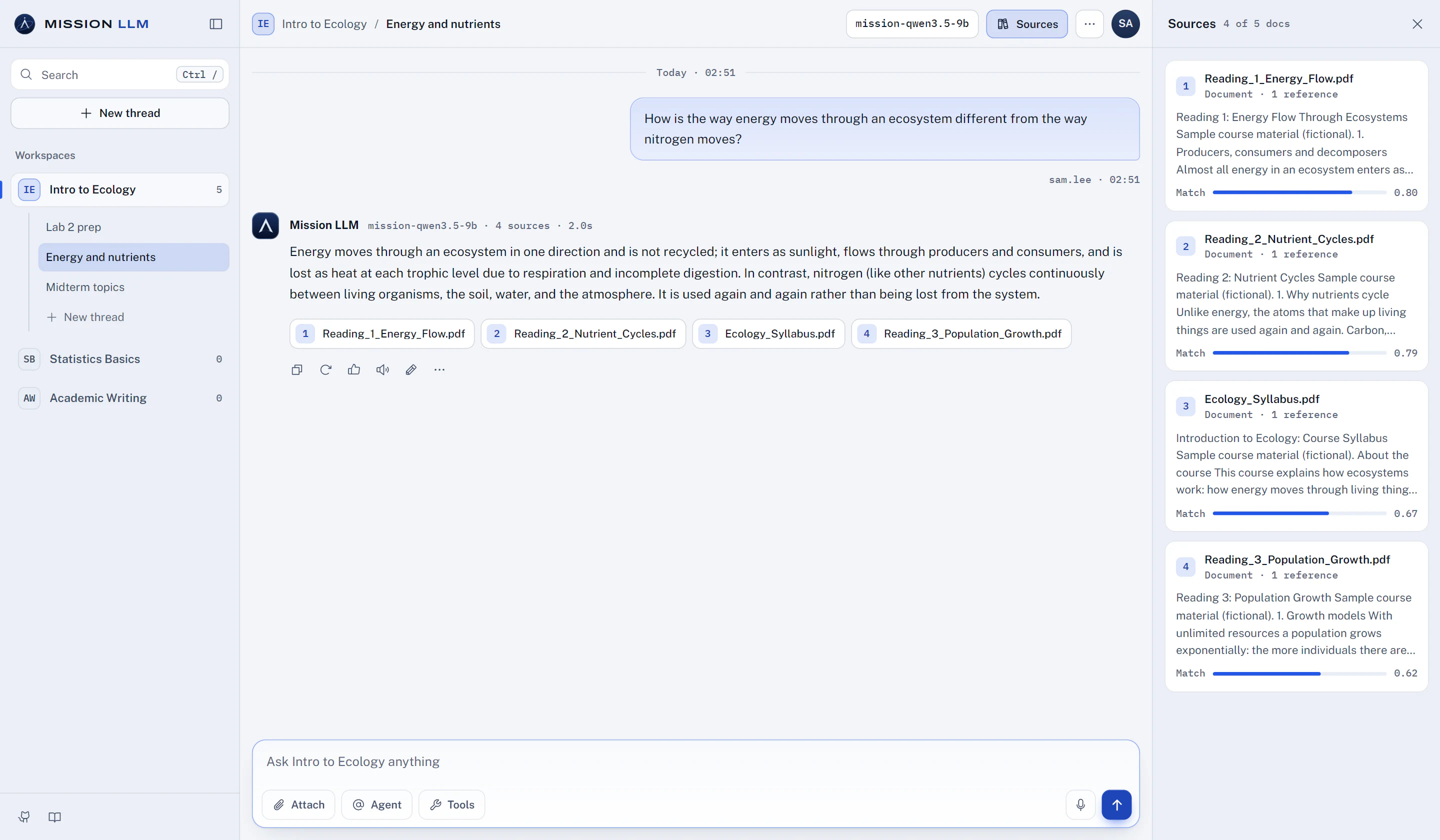
Ask in plain language, as often as you need. The answer draws on the workspace's documents and lists the ones it used.
Keep each topic in its own thread, and fork a thread to try another direction without losing the original.
Ask for practice questions from a reading, then open Sources to check your answers against the passages.
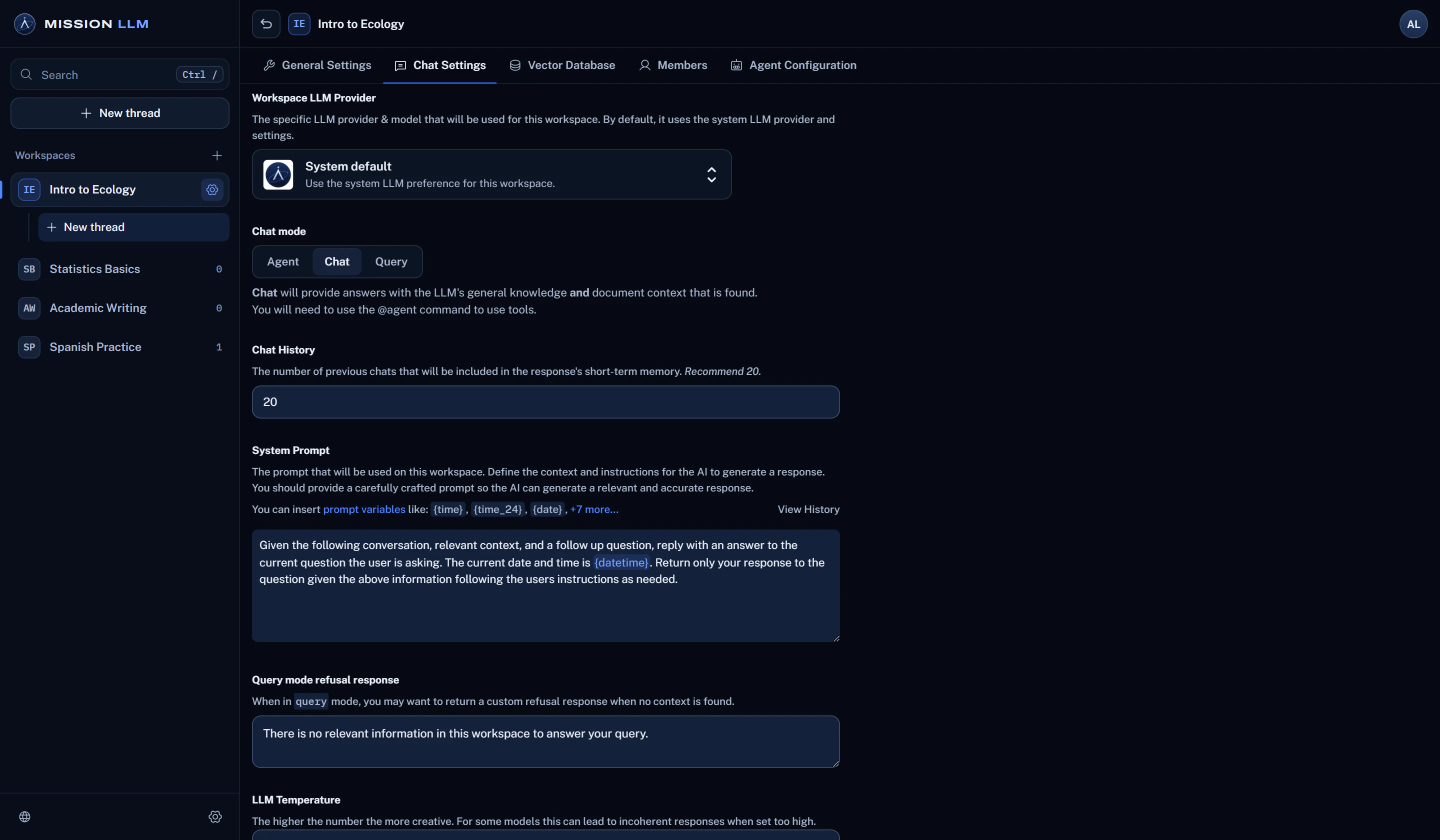
How grounded answers workChat mode adds the model's general knowledge. Query mode answers only from the documents in the workspace.
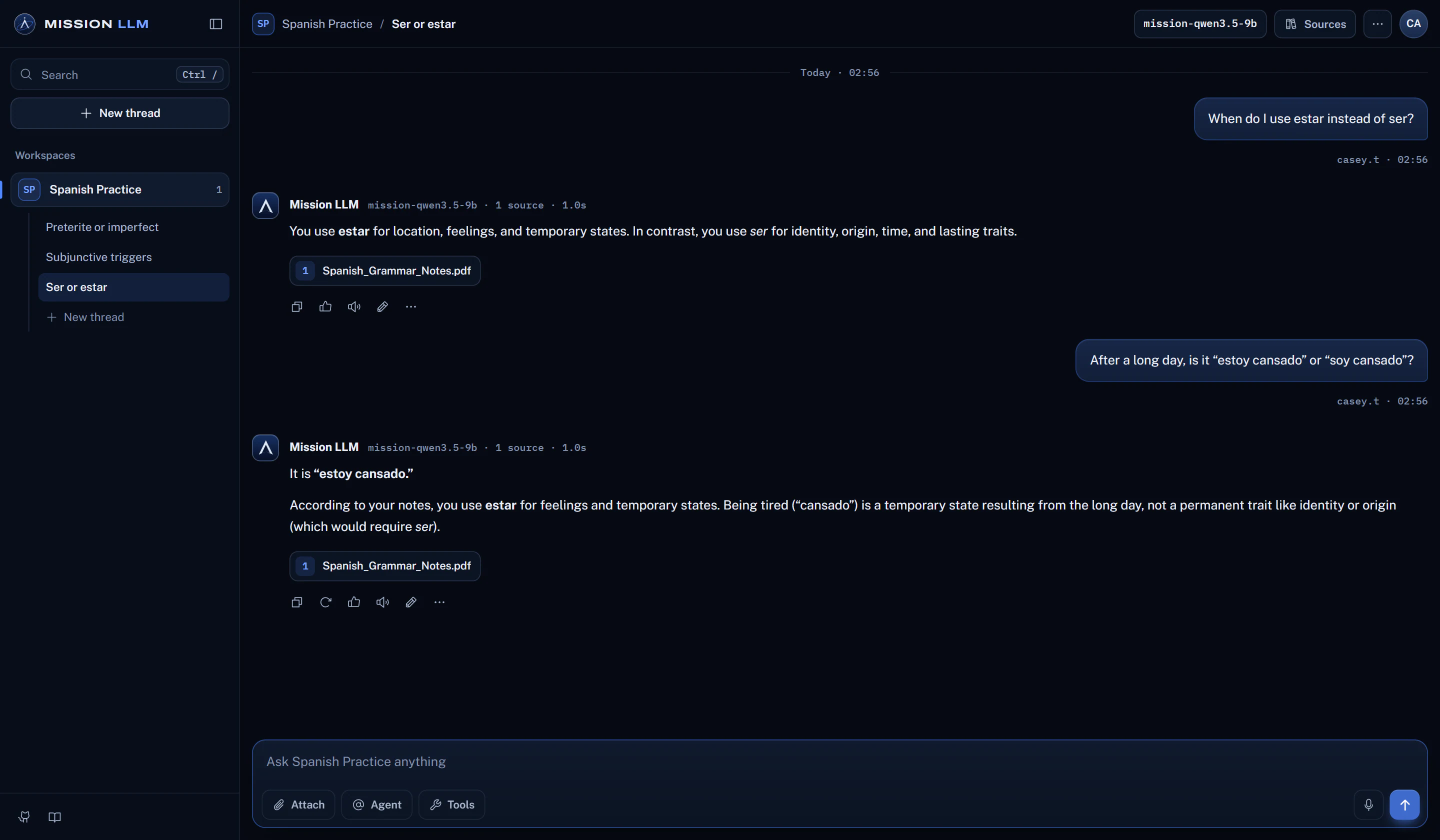
Install it with Docker, add your own notes and readings, and pair it with a local runtime such as Ollama or LM Studio.
Run it on your own computerHow it works
Start studying in three steps.
Open your workspace
Sign in and pick a course workspace your instructor added you to, or create your own if you run it yourself.
Ask about the reading
Ask for an explanation, a summary or practice questions, one topic per thread.
Check the sources
Read the passages an answer drew on before you rely on it. A model can be wrong.
Before you rely on it
Good to know.
Plain facts about what this use can and cannot do today.
- On a school install, admins and managers can read workspace chats.
- A model can be wrong. Check the listed sources before you rely on an answer.
- Explanations, summaries and practice questions are things you ask the chat for, not separate tools.
More ways to use it
Classrooms
A course assistant that answers from the course readings and lists its sources.
Teaching a course
Build a workspace per course from the syllabus, readings and handouts.
Training instructors
Teach faculty modern AI workflows, agentic coding included, on a local model.
Teams and labs
Policies, manuals and research, searchable with the sources listed.