For training instructors
Train faculty on agents.
Run workshops on modern AI workflows, agentic coding included, with a local model on your own hardware. Admins decide which skills and MCP servers are on, so the training environment is one you control.
Runs with
- Ollama
- LM Studio
- LocalAI
- KoboldCPP
- Docker
- Kubernetes
- Helm
- OpenShift
What it gives you
A training lab you control.
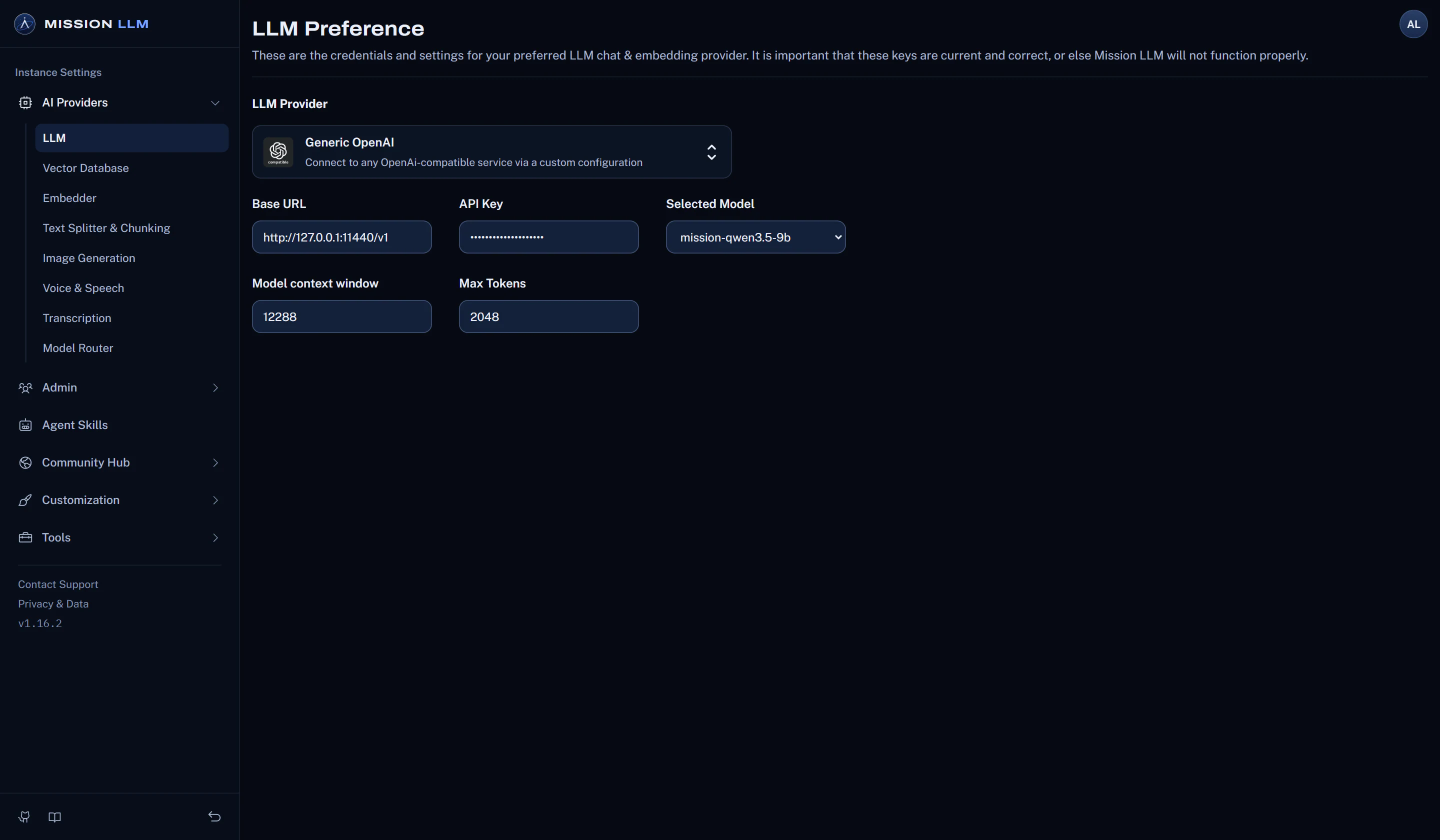
Switch built-in skills on or off, add custom skills, chain steps in the no-code flow builder, and connect MCP servers over stdio, SSE or streamable HTTP.
See the agent controlsShow how agents plan, call tools and work with files. The filesystem skill (Docker installs) works in a folder under the server's storage.
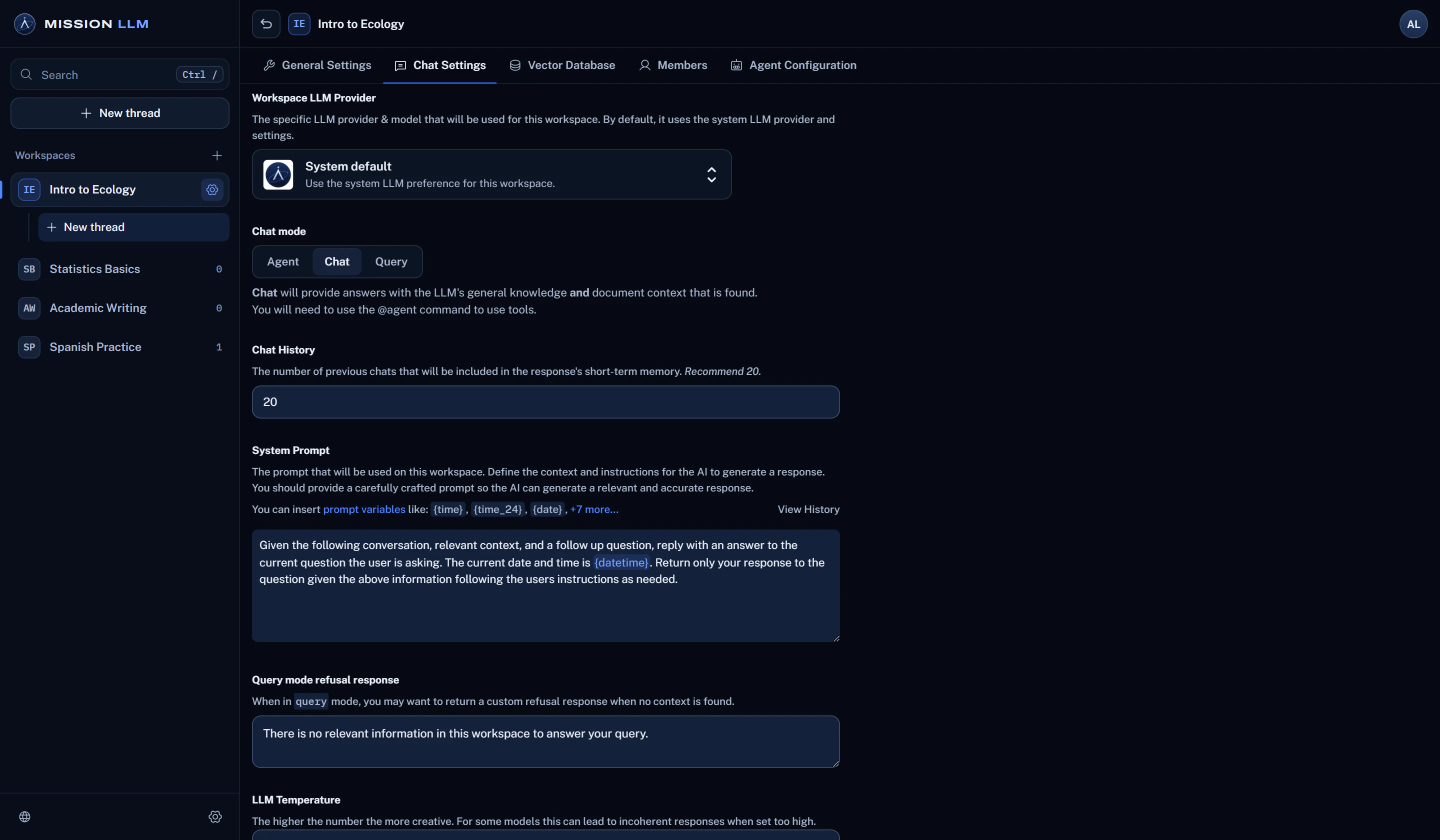
Ollama, LM Studio, LocalAI, KoboldCPP, NVIDIA NIM or any OpenAI-compatible server, on hardware you run.
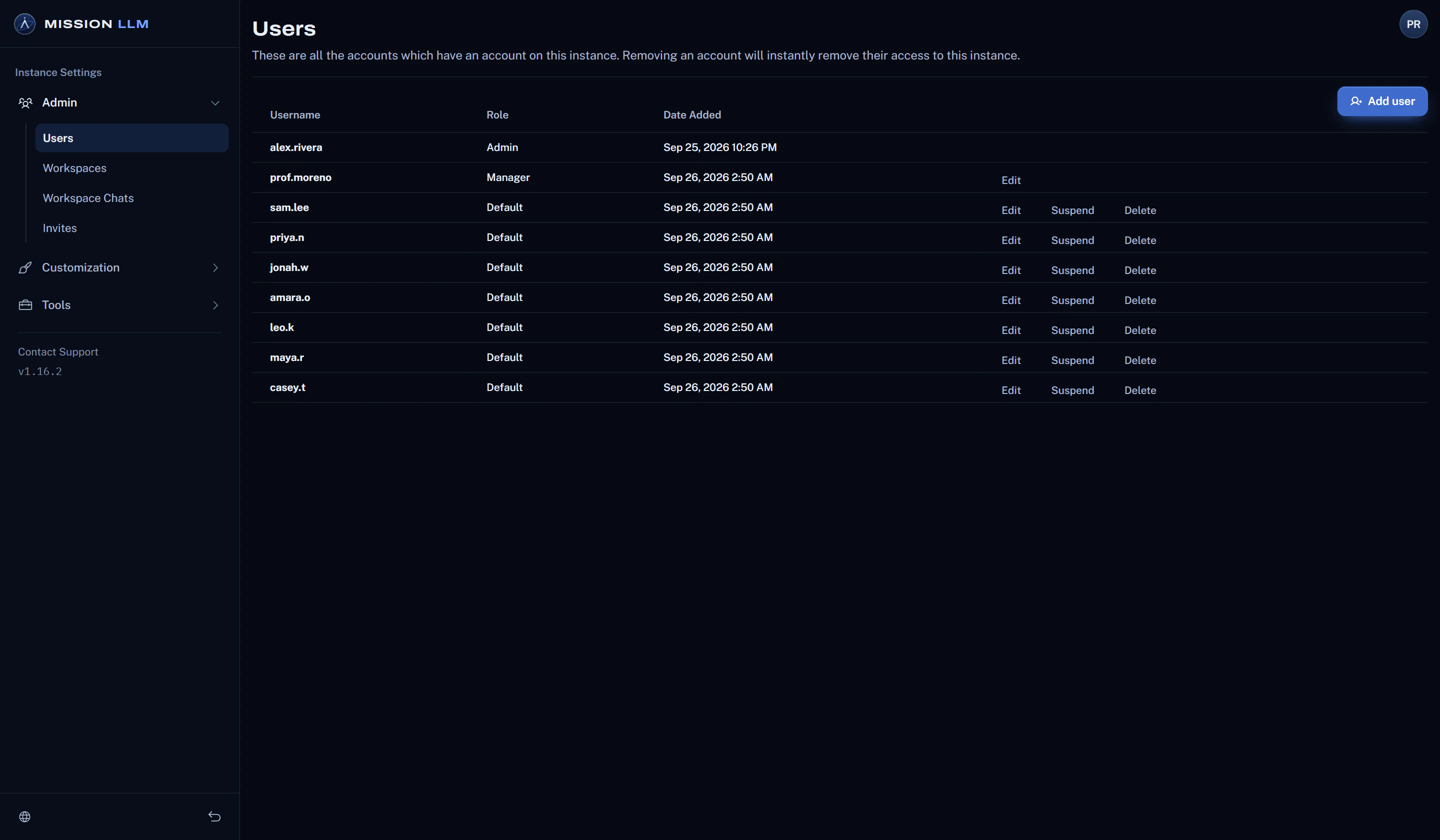
Give each workshop workspace, and its agents, their own provider and model.
Invite each instructor, then review the workshop chats and the admin event log.
How it works
Run a workshop in three steps.
Turn on the skills
Switch on the built-in skills the workshop needs: document search, summaries, charts, file creation and SQL.
Connect MCP servers
Add Model Context Protocol servers to give agents the tools your workshop teaches.
Hand a task to an agent
Type @agent, or use Automatic mode with a model that supports tool calling, and follow each tool call in the chat.
Before you rely on it
Good to know.
Plain facts about what this use can and cannot do today.
- Mission LLM is not a code editor. Agentic coding is what the training covers, run on the app's agents.
- Web search and cloud models connect out only when you configure them.
- Agents work best with a model that supports tool calling.
More ways to use it
Classrooms
A course assistant that answers from the course readings and lists its sources.
Students
Study help drawn from the assigned material, in a workspace of your own.
Teaching a course
Build a workspace per course from the syllabus, readings and handouts.
Teams and labs
Policies, manuals and research, searchable with the sources listed.