Private AI for courses, on your own hardware
Your class, answered.
A course assistant that answers from your readings and lists its sources, on your school's own servers.
Runs with
- Ollama
- LM Studio
- LocalAI
- KoboldCPP
- Docker
- Kubernetes
- Helm
- OpenShift
Who it's for
Built for classrooms. Ready for teams.
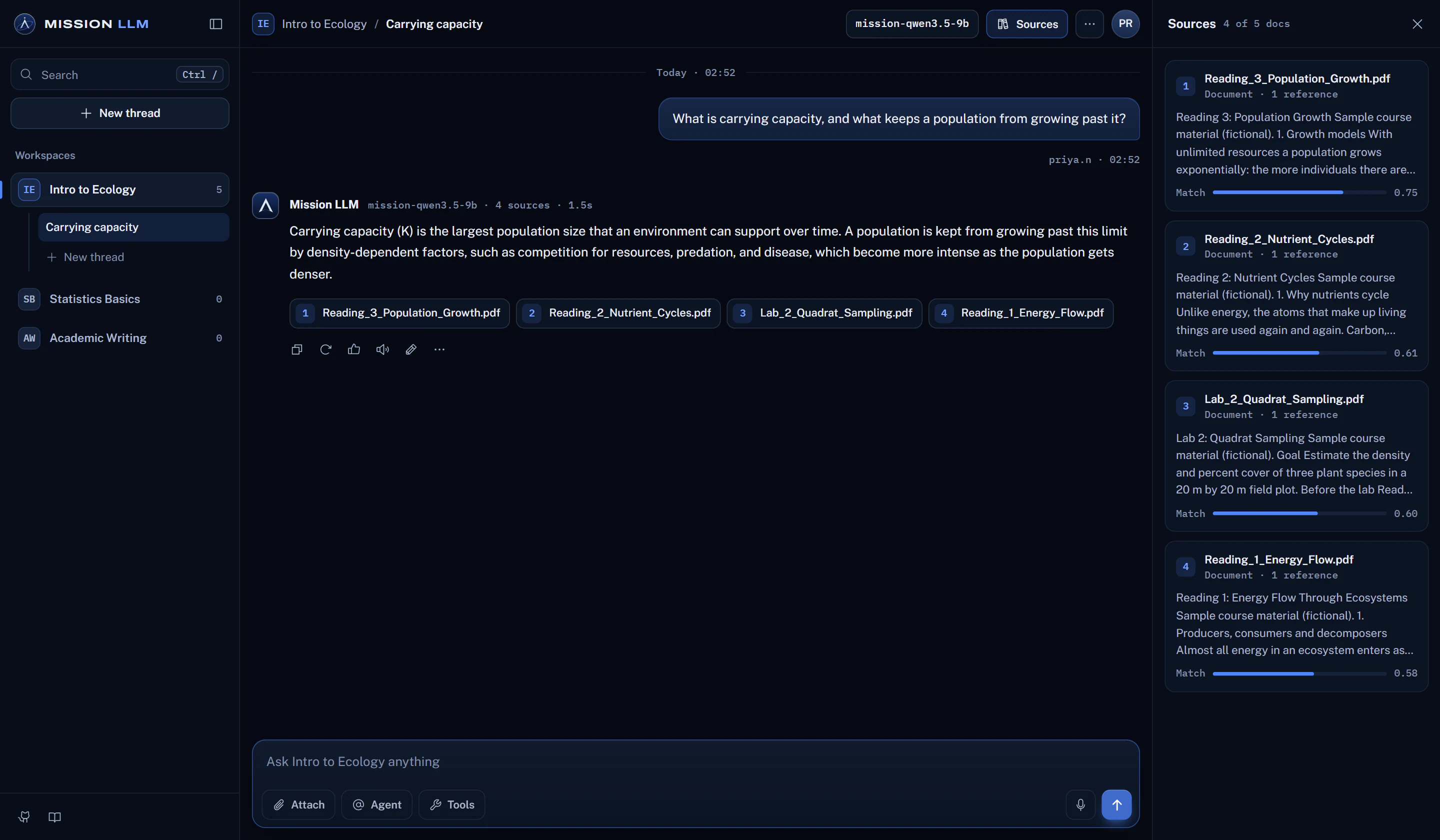
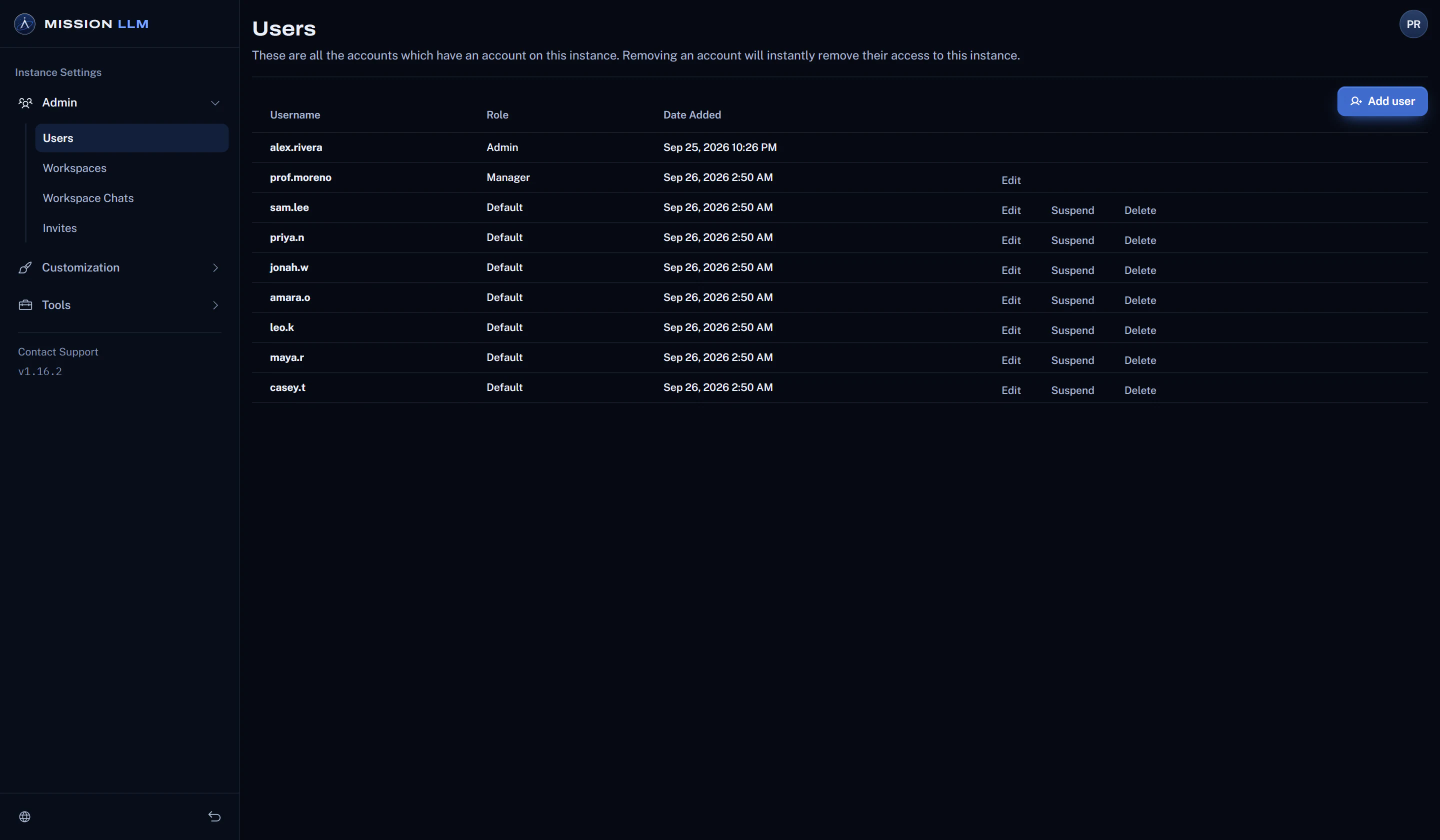
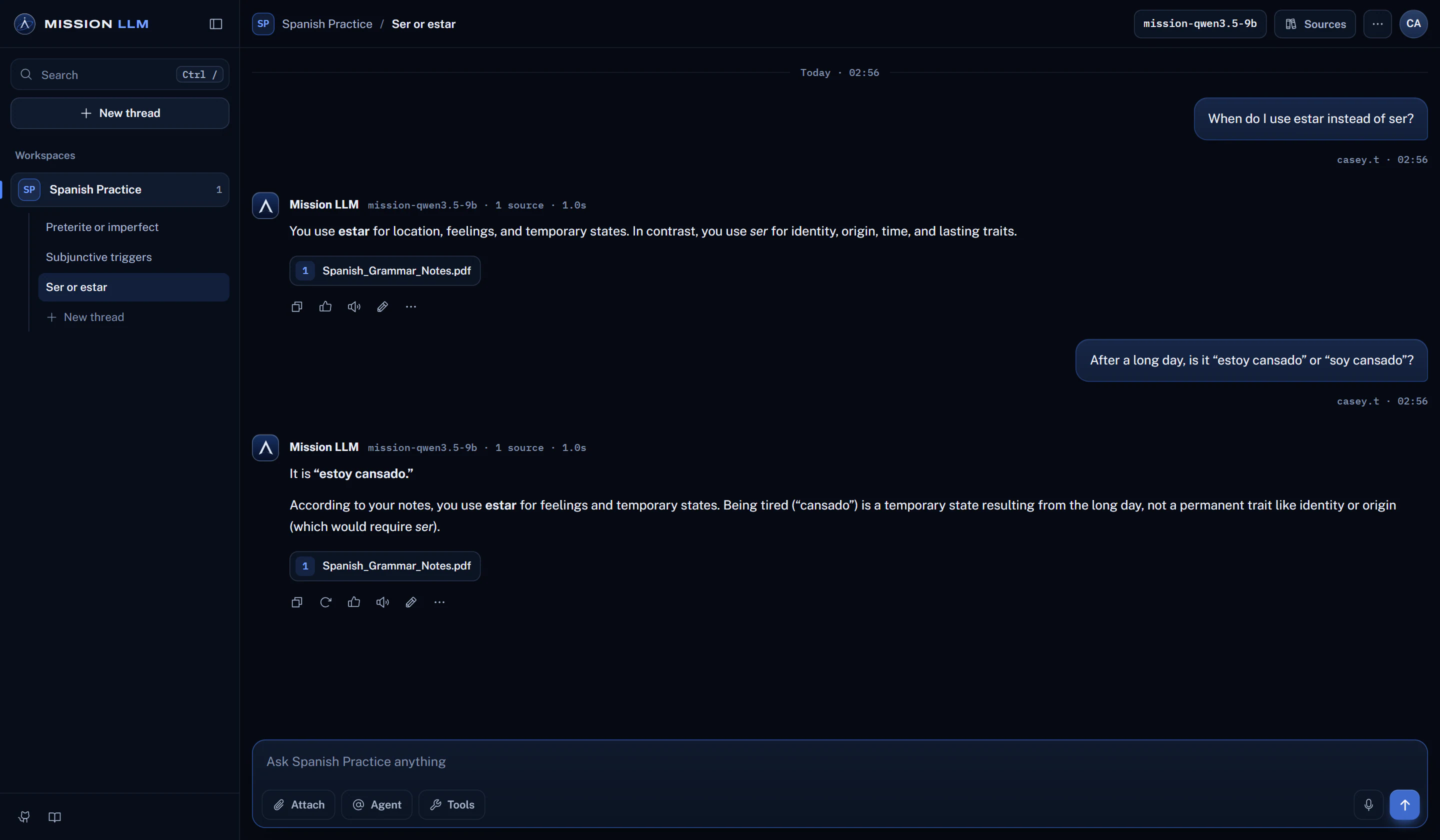
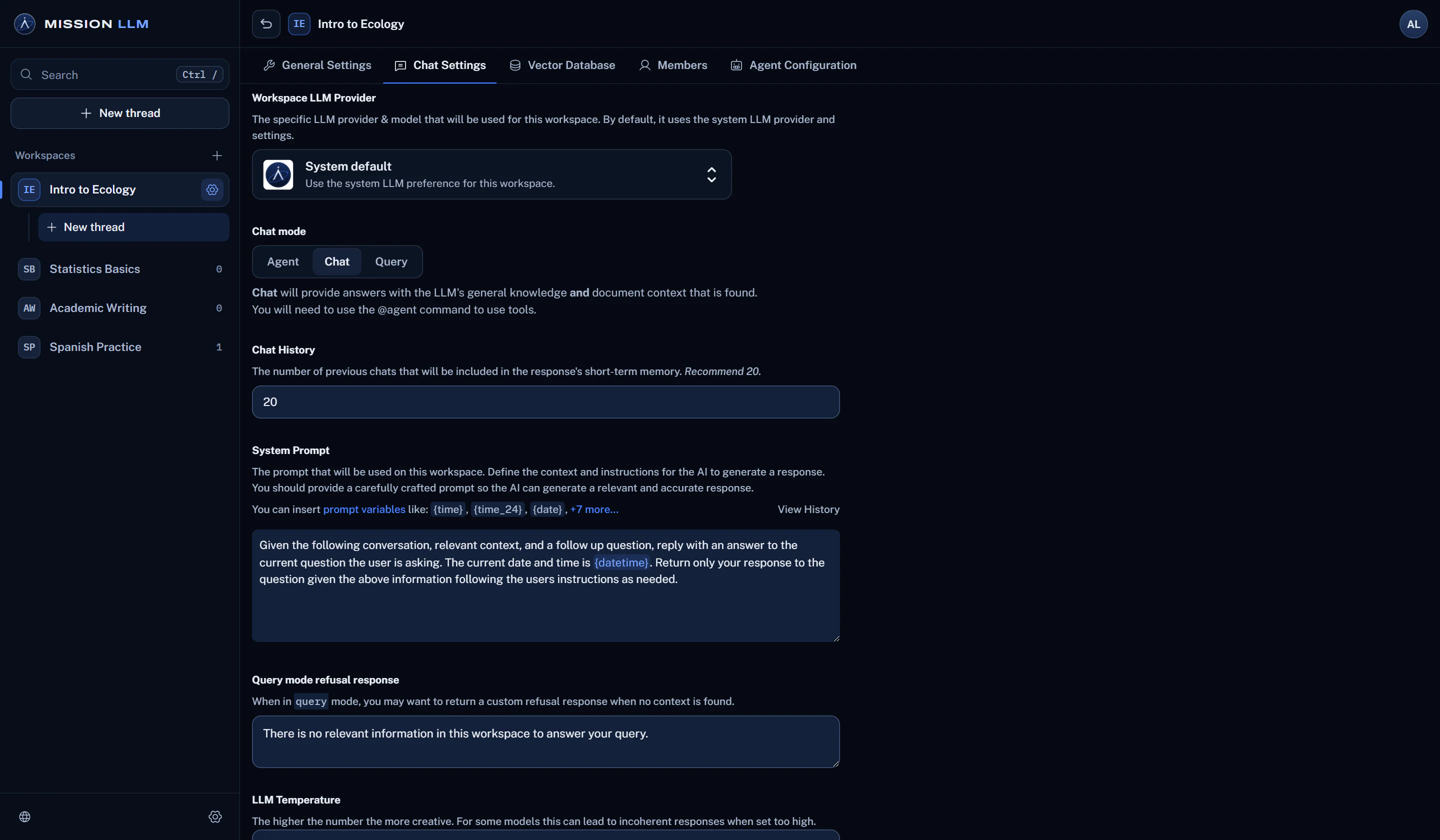
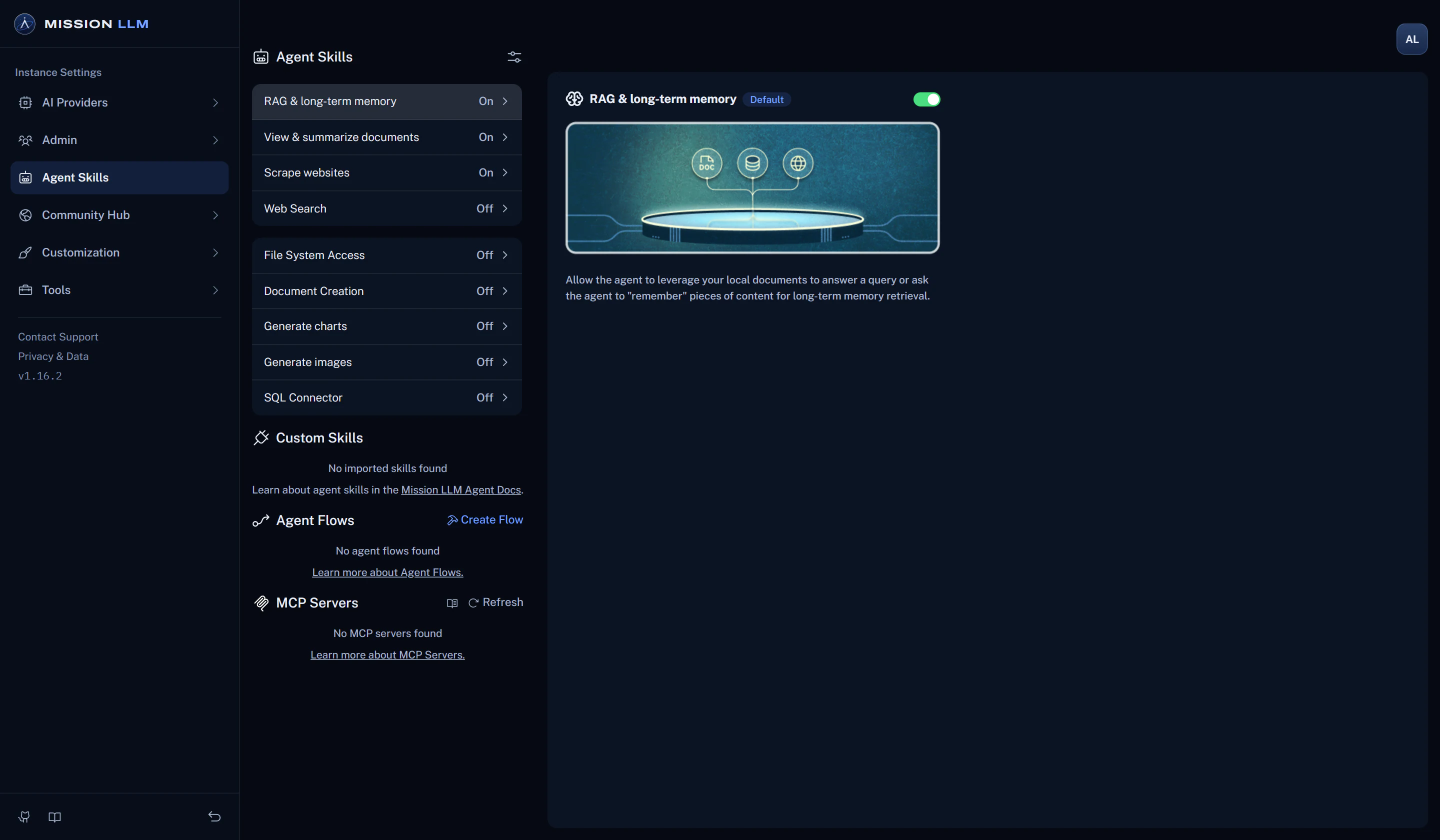
Ask questions about the course. Answers drawn from its readings list the sources they used.
See how sources workBuild a course workspace from your syllabus and readings, add your students, and see how they use it.
Set up a course in four stepsMake a workspace for any subject, add your own notes and readings, and keep each topic in its own thread.
See install optionsRun it on school servers with local models and no internet, or set a different provider for each workspace.
Read the security overviewCompanies get the same workspaces and answers with sources, and agents that use the tools admins turn on.
Compare editionsGrounded answers
Answers that show their readings.
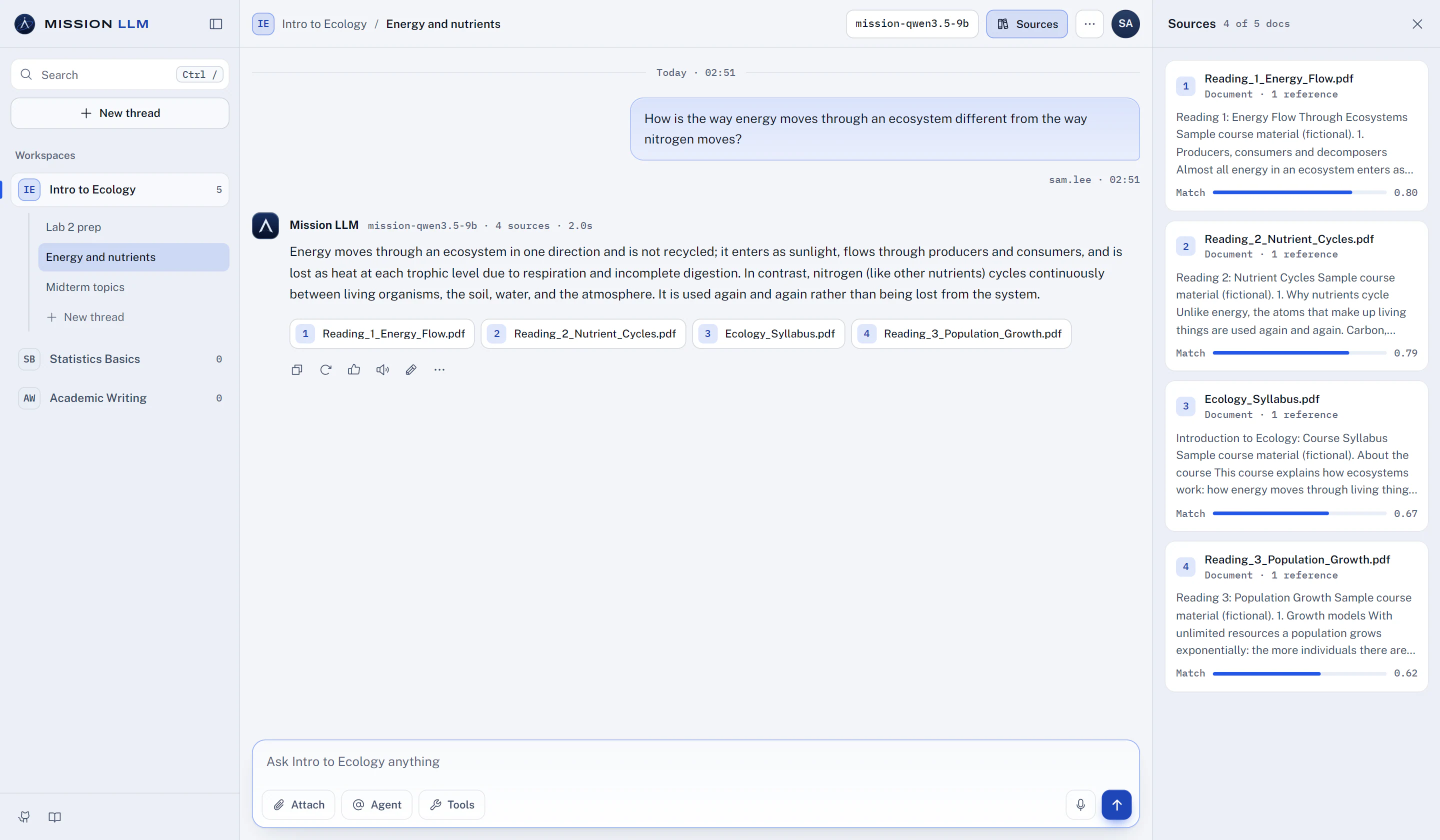
When a course workspace has documents, Mission LLM searches them before the model answers. Students open Sources to see which readings an answer used, the passages it pulled and how closely each one matched.
- Sources listed under grounded answers
- Retrieved passages with match scores
- Query mode, with a refusal message you write
Security and control
Your school sets the boundary.
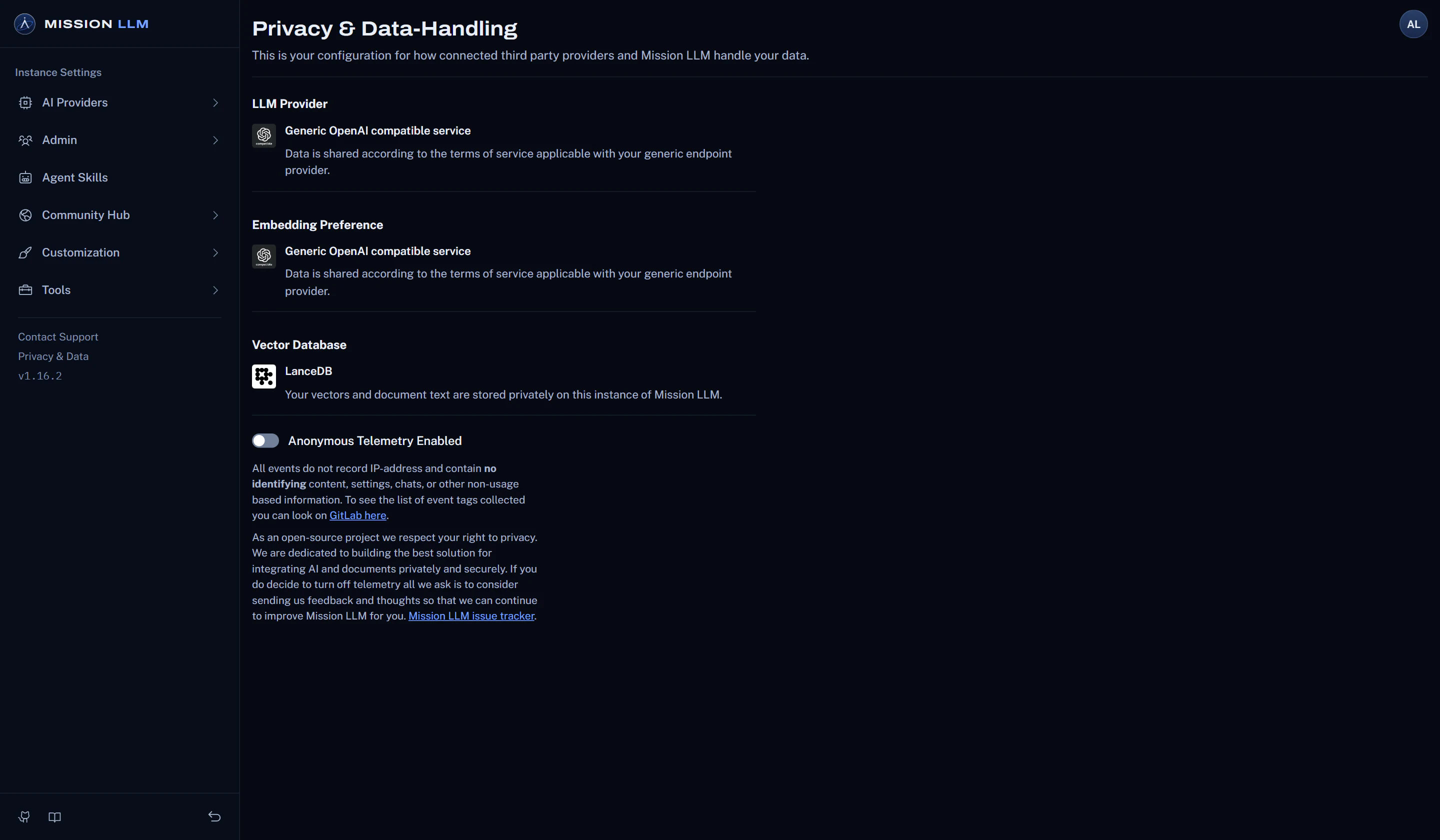
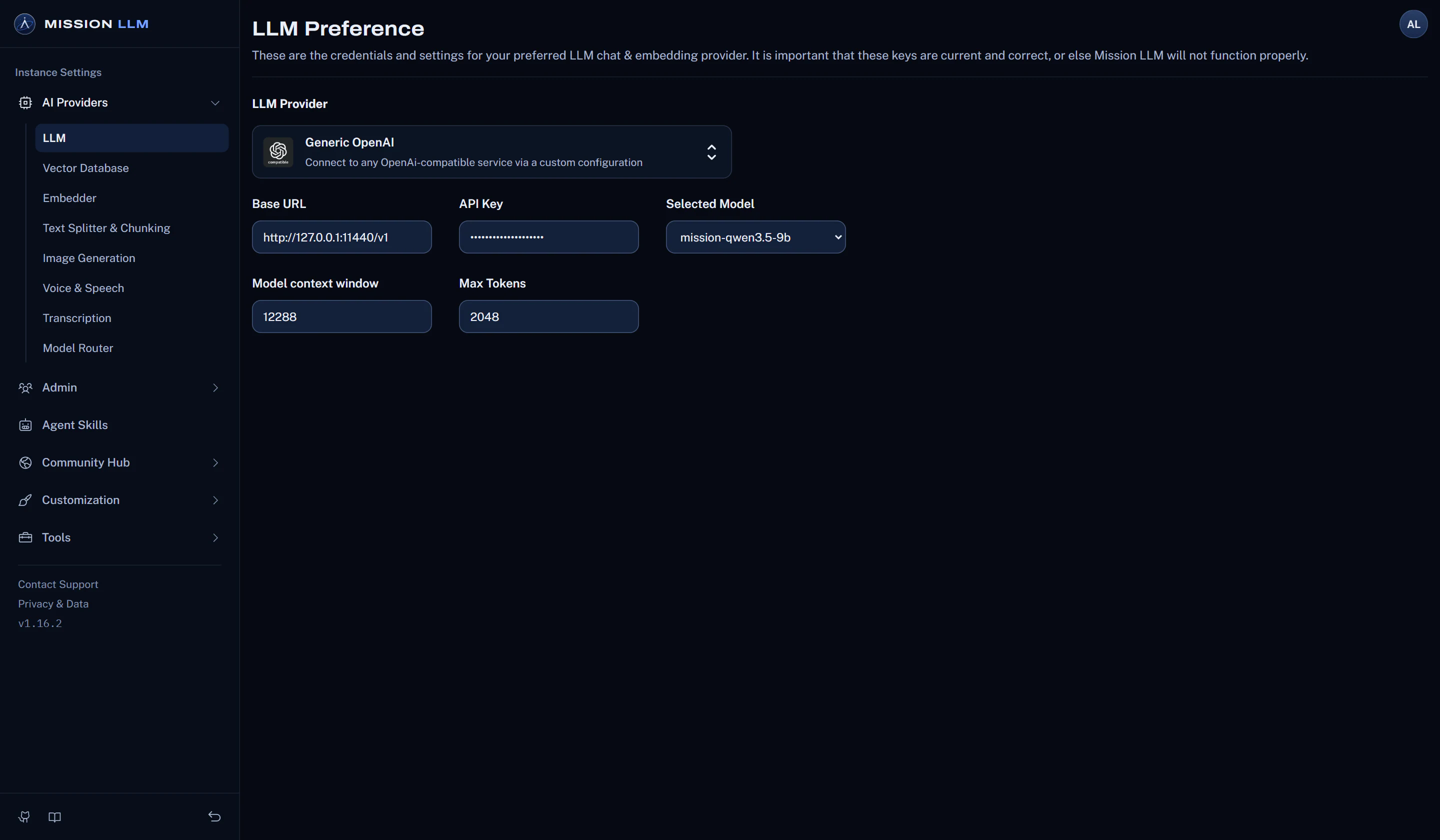
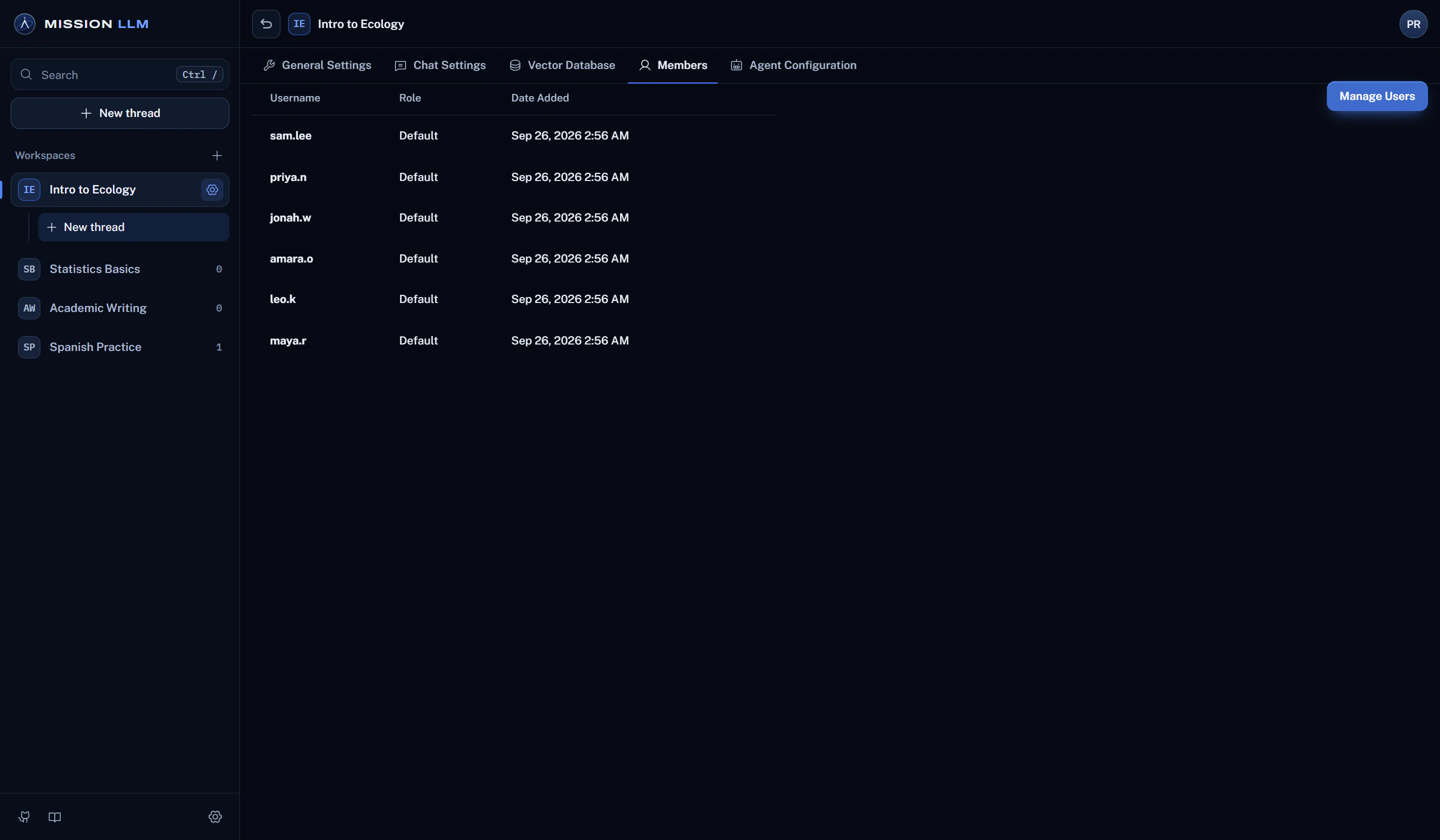
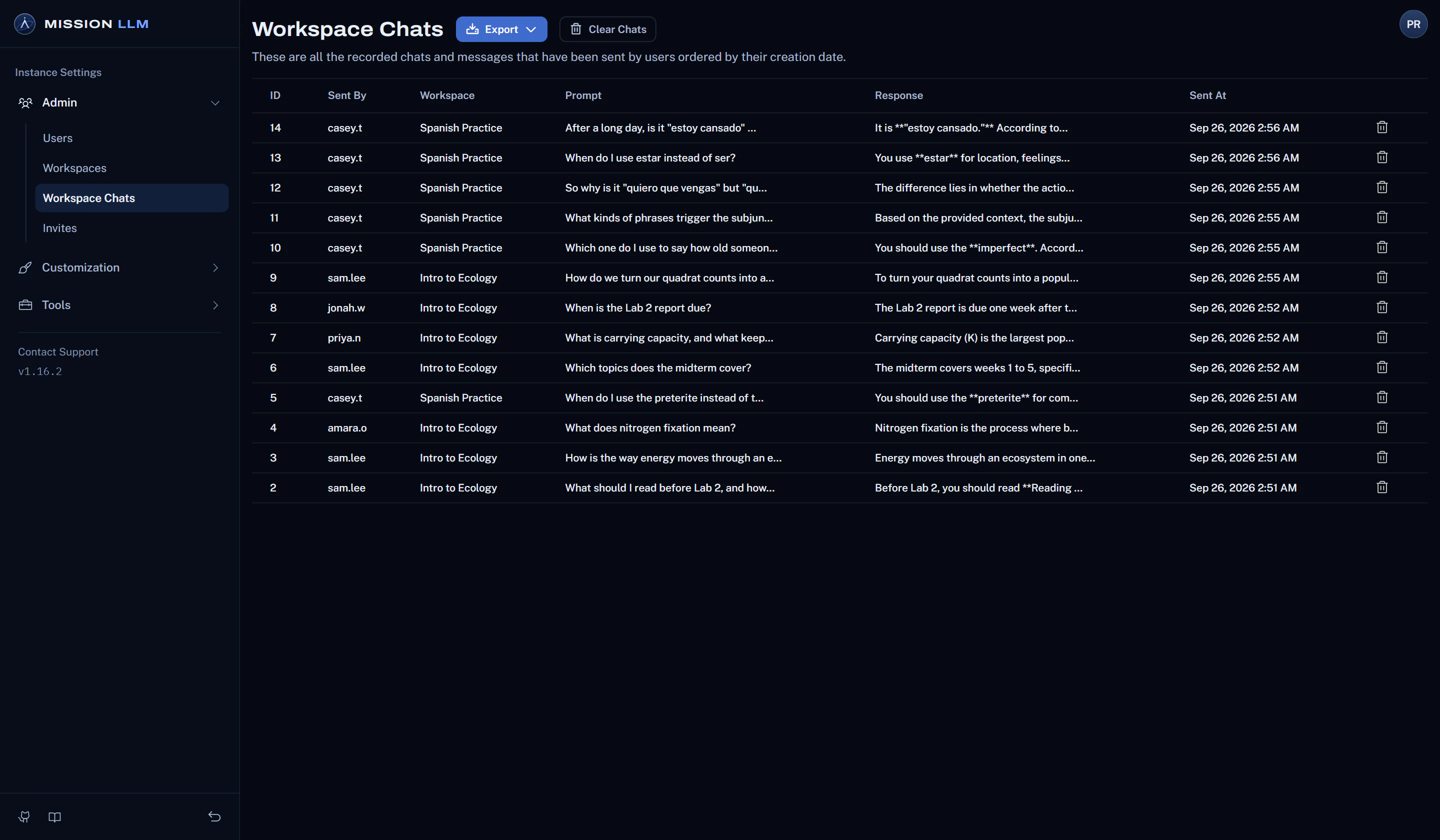
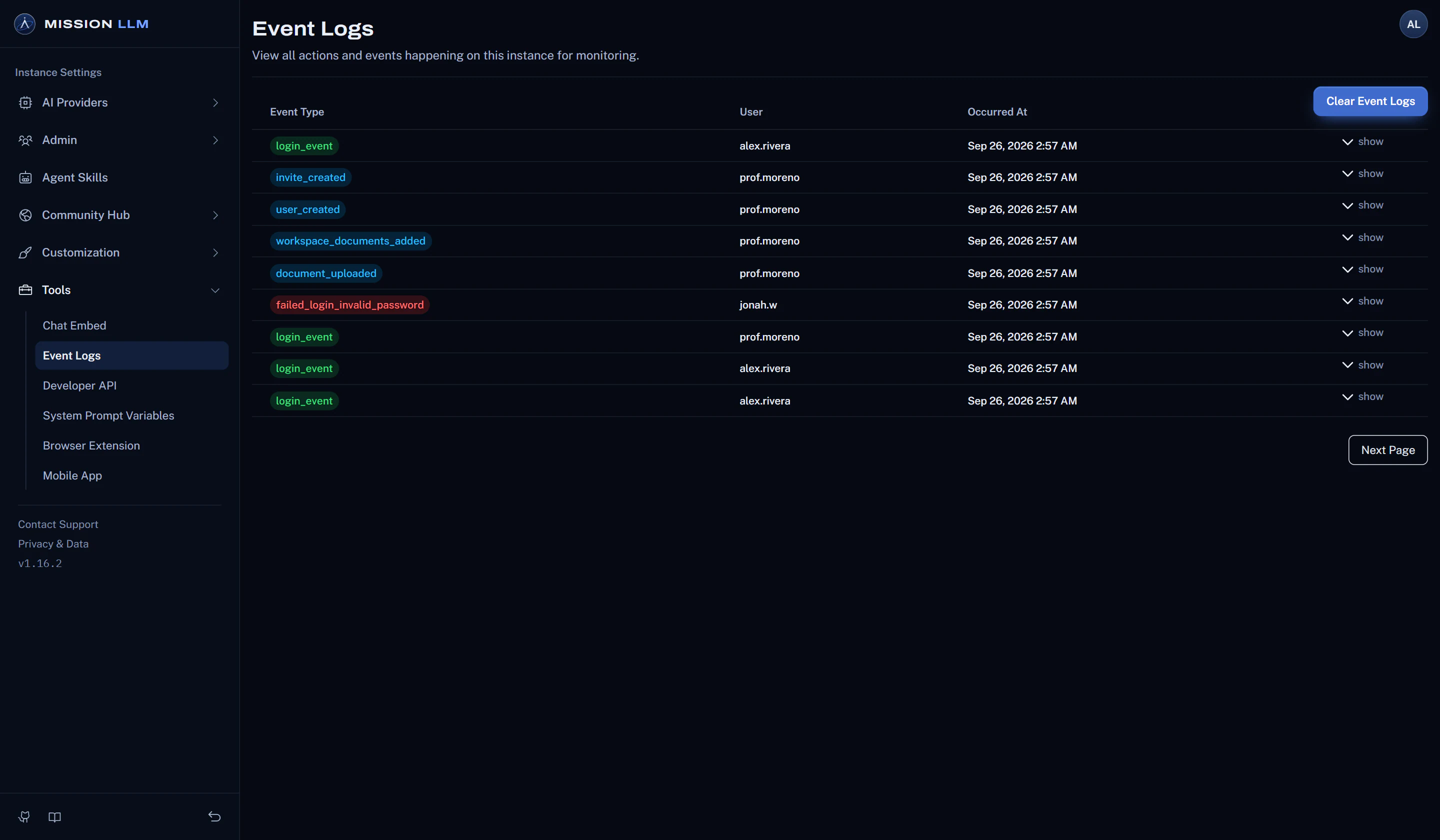
Set DISABLE_TELEMETRY="true" before the first start and no usage events are sent. Or turn it off in Settings.
Pair it with a local model runtime and stage the built-in models. Chat, embeddings and search then run offline.
Learn more about offline useInstructors get the manager role, which opens every workspace. Students see only the ones they are added to.
Learn more about accessAdmins and managers can read every workspace chat, see who sent it, and export it as CSV, JSON or JSONL.
Learn more about oversightSign-ins, failed sign-ins, and changes to users, API keys, invites, workspaces and documents, in one log for admins.
Learn more about oversightReady for class in four steps.
Install on your server
One container serves the app and API on port 3001, with all course files and chats in one storage folder.
Connect a local model
Point it at Ollama, LM Studio or another runtime on your campus network. Cloud providers work too.
Add your readings
Create a workspace for each course and drop in its files. Mission LLM indexes them on your server.
Invite your students
Turn on multi-user mode, invite students, and add each one to the workspaces for their courses.
Self-hosted
Run it on a lab workstation or a campus server.
Mission LLM ships as one container that serves the app and API on port 3001. Start it with Docker, Compose, Kubernetes, Helm or OpenShift, on your own hardware or in a cloud account you control.
export STORAGE_LOCATION=$HOME/missionllm && \
mkdir -p $STORAGE_LOCATION && \
touch "$STORAGE_LOCATION/.env" && \
docker run -d --rm -p 3001:3001 \
--cap-add SYS_ADMIN \
-v ${STORAGE_LOCATION}:/app/server/storage \
-v ${STORAGE_LOCATION}/.env:/app/server/.env \
-e STORAGE_DIR="/app/server/storage" \
REGISTRY/mission-llm:latest Resources
See where student questions go and which controls ship today.
A plain-language data flow, every outbound connection and how to avoid it, and eight steps to harden an install.
Install it on one lab workstation or a whole campus cluster.
Build the image from source, then run it with Docker, Docker Compose, Kubernetes, Helm or OpenShift.
Start free with the full application, for one class or a whole school.
Community is the full application, free to self-host. Enterprise is planned to add support, deployment help and governance features.
MIT licensed foundation.
Open at the core. Yours to run.
Mission LLM is built on the open-source AnythingLLM project (MIT License) and adds an in-place upgrade, a documented list of outbound connections and deployment templates that pull only your image.
- License
- MIT
- User roles
- 3
- Cloud templates
- 3
In-place upgrade from AnythingLLM
The database, settings and vector collections carry over.
Documented outbound connections
Every connection the server can make, and how to avoid it.
Templates that pull only your image
Deployment templates run the image you build and host.
AnythingLLM core (MIT License)
- Ingestion
- Retrieval
- Agents
- Providers
Bring it to your next course.
Start with one container, a local model and one course. Questions first? Tell us what you teach or run and we will reply by email.